Case study · Criteo · 2011–2020
Criteo
Eight and a half years: banners for the biggest clients, then the templates and the tool that made them, then the first product clients used on their own.
- Company
- Criteo, advertising technology
- Roles
- Creative Designer, Senior Creative Designer, then Product Designer from 2014
- Period
- September 2011 – February 2020
- Where
- Paris, with teams in Europe, the US and APAC
- Products
- Campaign manager (first self-service module), Design Tool, demo page, Dynamic Video Ads, Facebook Active Elements
- Tools
- Photoshop, then Sketch; Figma at the very end
At a glance
The challenge
Criteo grew fast: banners for hundreds of accounts in many markets, designers in offices around the world, and clients who relied on Criteo’s teams to set up every campaign.
What I did
Designed banners for Criteo’s biggest clients in France. In Creative Services, transformed the Design Tool and its demo page, designed all of the company’s templates and gathered needs in five offices. Then designed the first self-service campaign manager.
The outcome
A Design Tool used by every Criteo designer; templates combined by Darwin into up to 3,000 banners for one placement; and the first module clients could use on their own.
- 300+accounts looked after
- 5offices visited, from Munich to Tokyo
- 3,000banners for one placement, from my templates
- 8.5years, from banners to product design
Impact
- ÷2time to generate the creative designs for Criteo’s retailers, with the Design Tool
- ~100people trained, from New York to Tokyo
- 50+internal users on the self-service campaign manager
How it was measured: user test sessions and feedback from users.
Pain points, before and after
The changes play on the screen above, the problem first and then the fix. Pick one to see it again.
Act 1: Banners, 2011–2014
I started at Criteo as a designer, and I was the one working for its biggest clients in France.
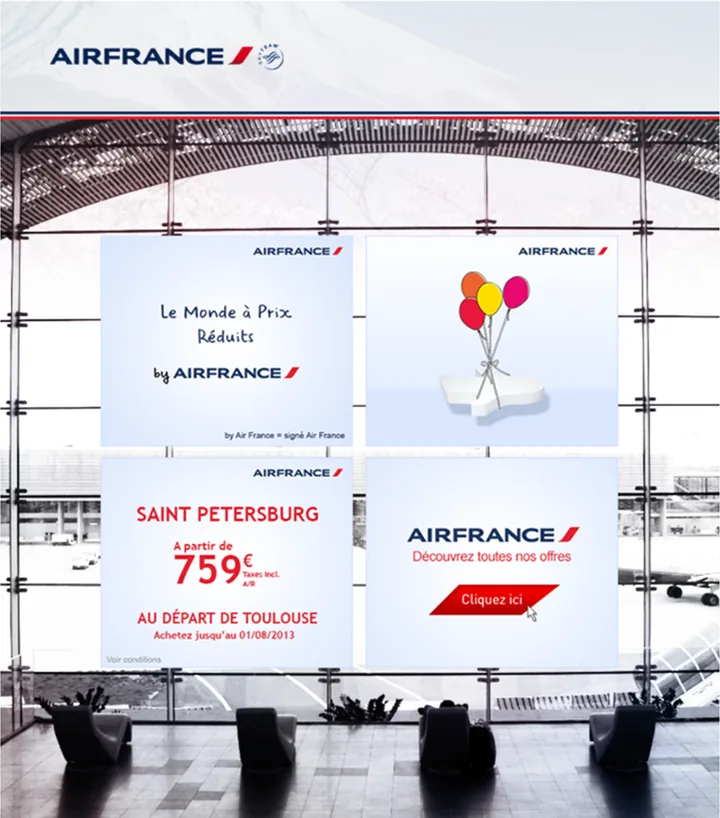
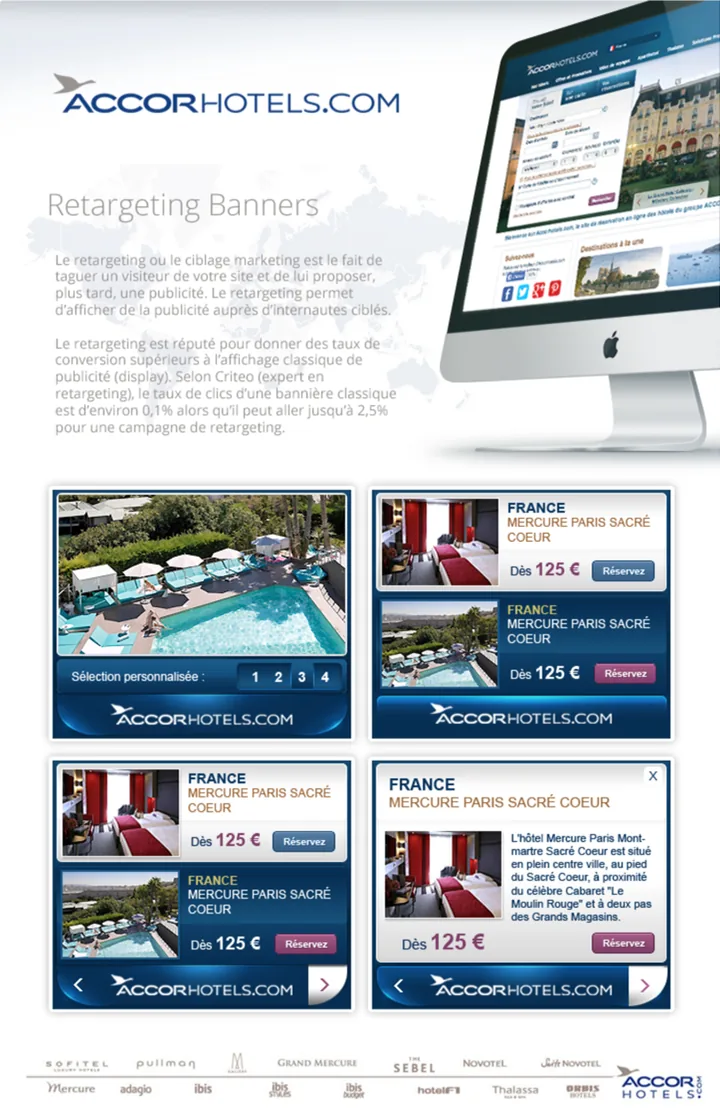
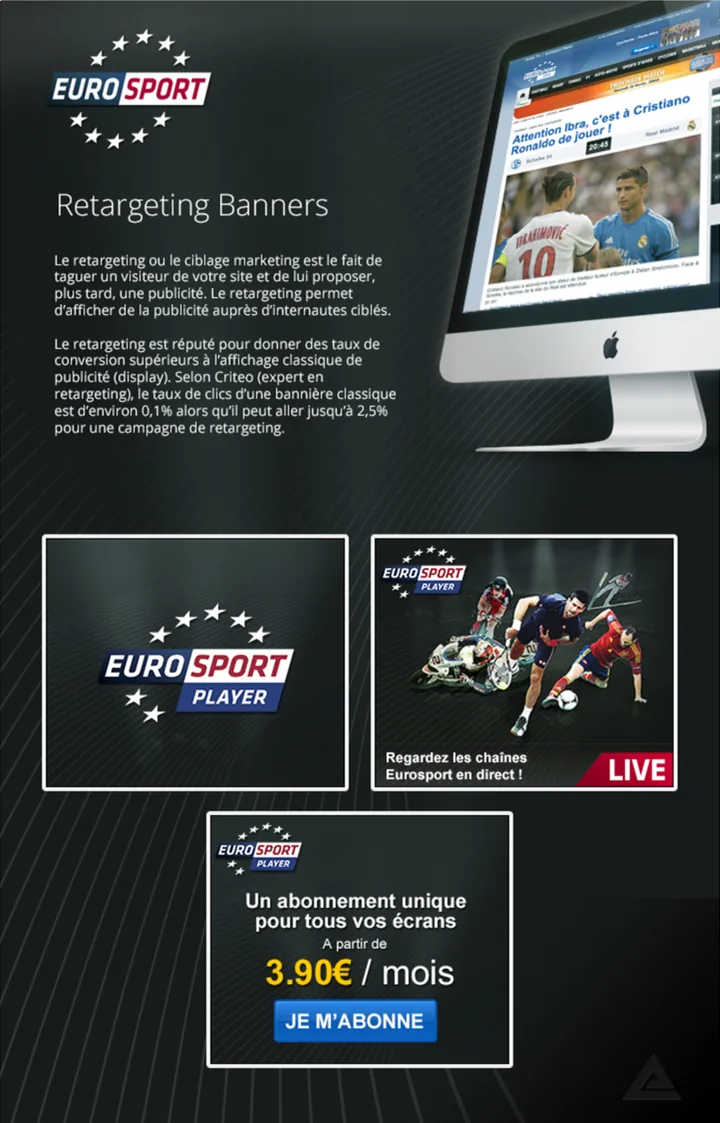
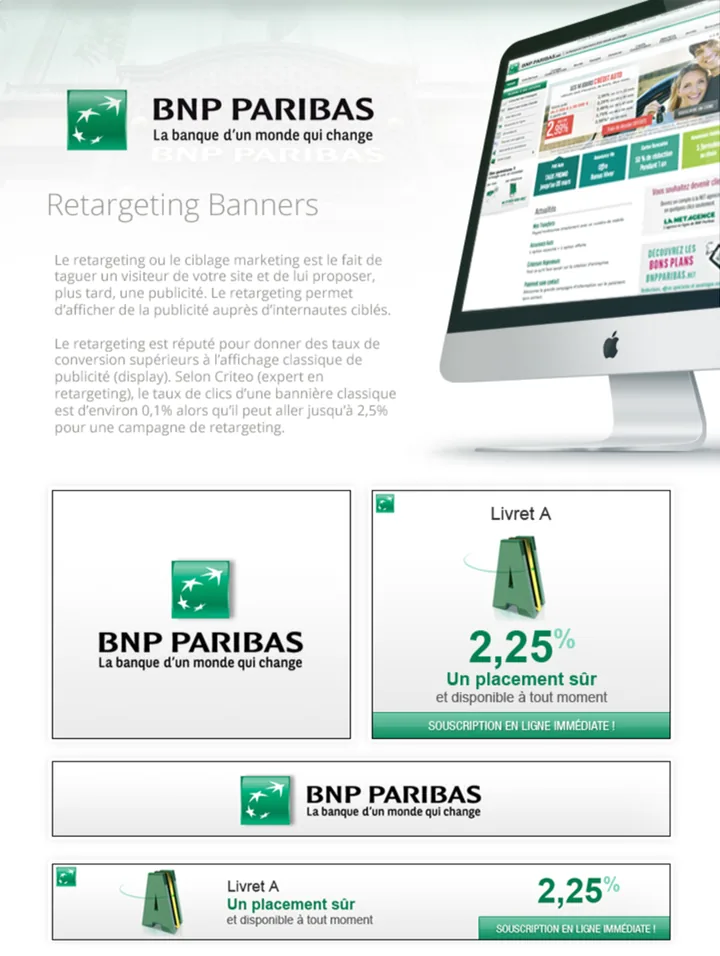
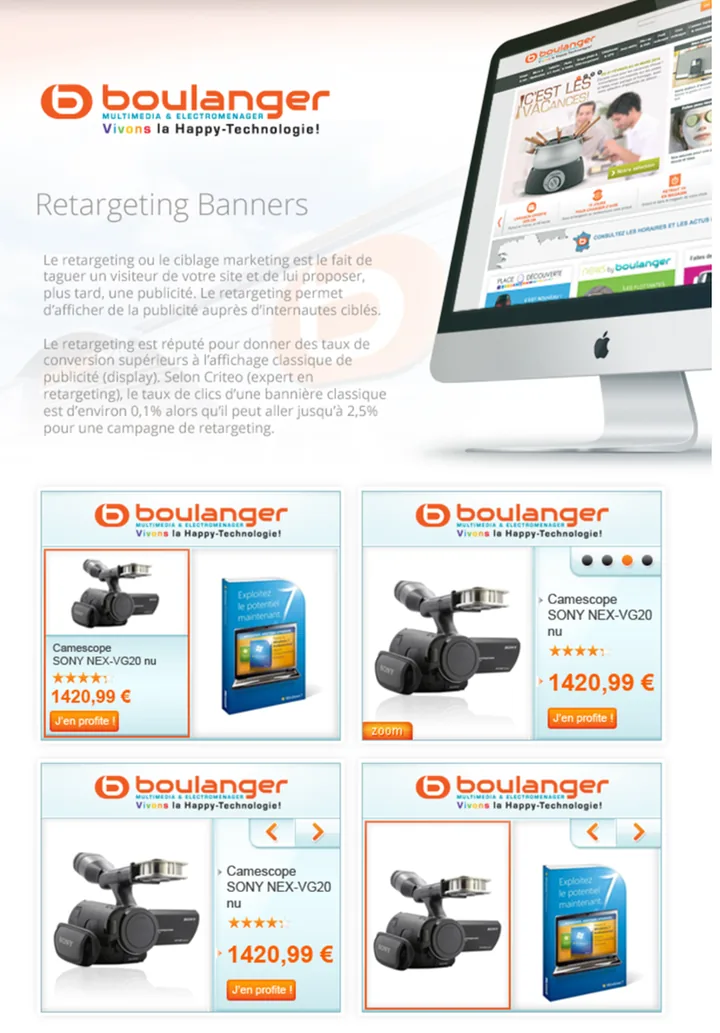
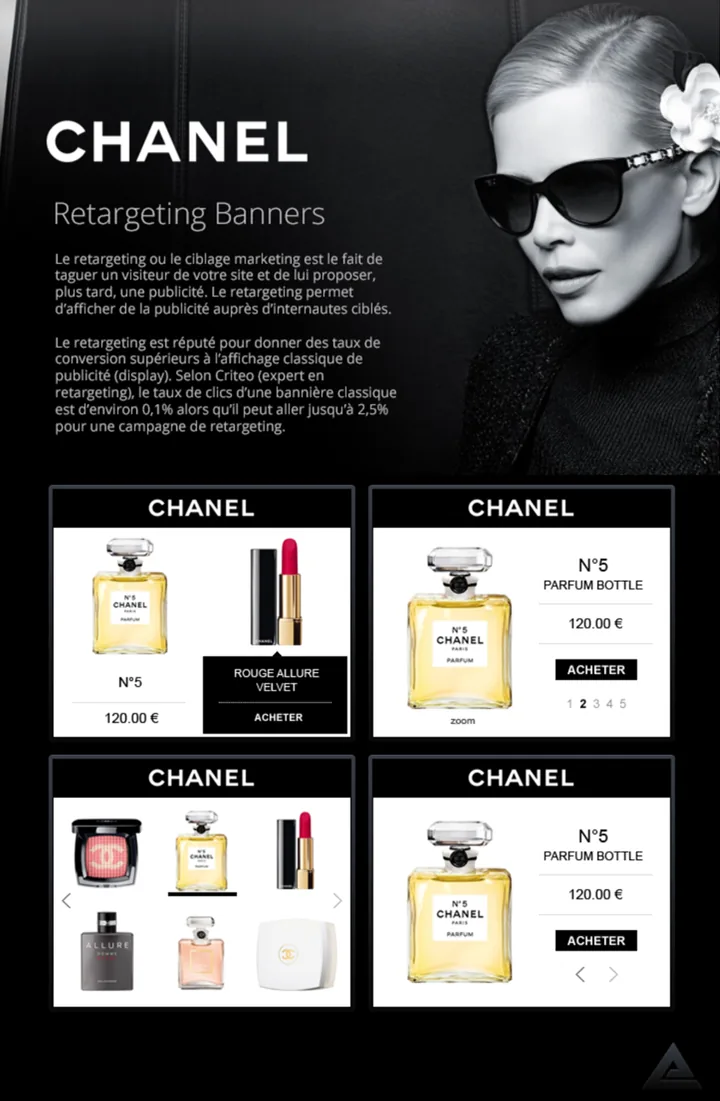
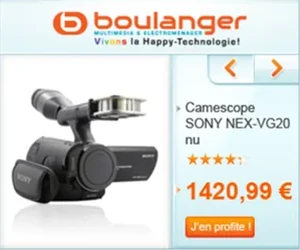
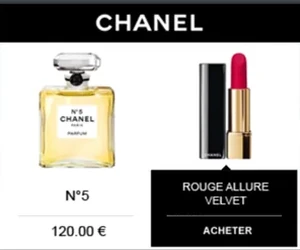
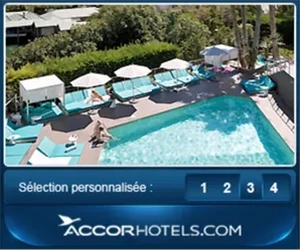
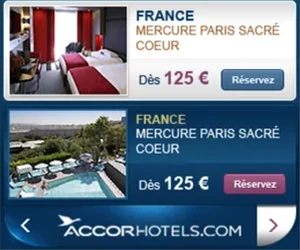
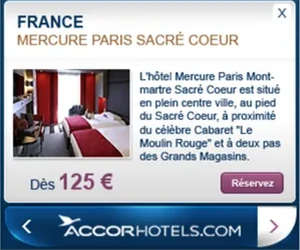
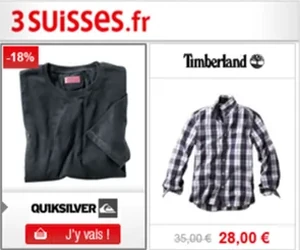
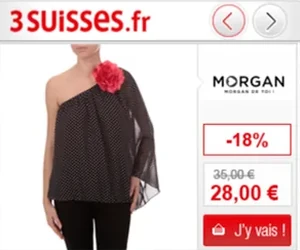
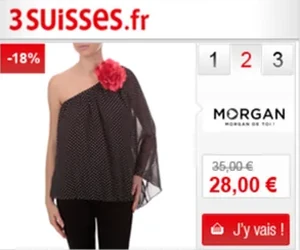
I designed retargeting banners, the ads that show people the products they looked at on a retailer’s site: for European clients, among them Air France, Accor Hotels and 3 Suisses, then Booking.com, Fnac and La Redoute. As Creative Designer, then Senior Creative Designer, I looked after a portfolio of more than 300 accounts, with Sales, Account Management and the technical teams.


Act 2: The Design Tool, 2014–2017
As Criteo grew fast, a central Creative Services team was created. I joined it, in charge of transforming the Design Tool, the internal tool every Criteo designer used to build banners.
I gathered the needs of designers around the world, created new layouts for new markets and verticals, and added many features to the tool, with continuous improvements driven by designers and by local needs. I also worked a lot on the demo page, which showed a banner in place, on a publisher’s page.
The new Design Tool halved the time it took to produce the creative designs for Criteo’s retailers, and brought their banners to market faster.
Another project: assigning the product feed’s data to each text field of a banner, and managing the discount coupons sent to customers. I designed it in Photoshop.
Boulanger

Chanel


Accor Hotels
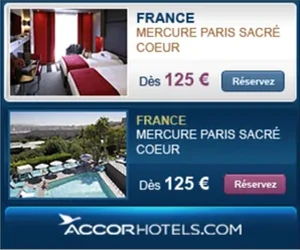
3 Suisses



On the road
From Paris, I went to the local teams in Munich, Barcelona, Boston, New York and Tokyo.
Read the detail: On the road
In each city I trained the designers on the Design Tool and gathered the needs of the local teams. On these trips I also gave talks, met clients and the top management of each country, and talked with the people who used our tools, to understand how they used them. I defined personas from it. What I brought back shaped the new layouts and the tool’s features.
In Barcelona sat the small and medium market team, for Criteo’s smallest clients, with a very particular and highly automated offer. I worked with them on automating their process, so they could answer requests as fast as possible.
Around a hundred people went through these trainings. Back in Paris, I created and ran Criteo’s creative product knowledge base, and the guidelines it held travelled through the same trainings. With the local teams, I ran workgroups that enriched the specifications, reviewed them with R&D, iterated on the first versions, then planned and ran the rollouts.
It was the beginning of product design, and that is how I started doing it.
Pick a city
- Local time
- –
- From Paris
- –
Munich
Germany
- Local time
- –
- From Paris
- 684 km
Barcelona
Spain
- Local time
- –
- From Paris
- 831 km
Boston
United States
- Local time
- –
- From Paris
- 5,531 km
New York
United States
- Local time
- –
- From Paris
- 5,837 km
Tokyo
Japan
- Local time
- –
- From Paris
- 9,712 km
Why I went
- Train the local teams on the Design Tool
- Bring back their needs
- Meet clients
Flown from Paris, one way22,595 km
What came back
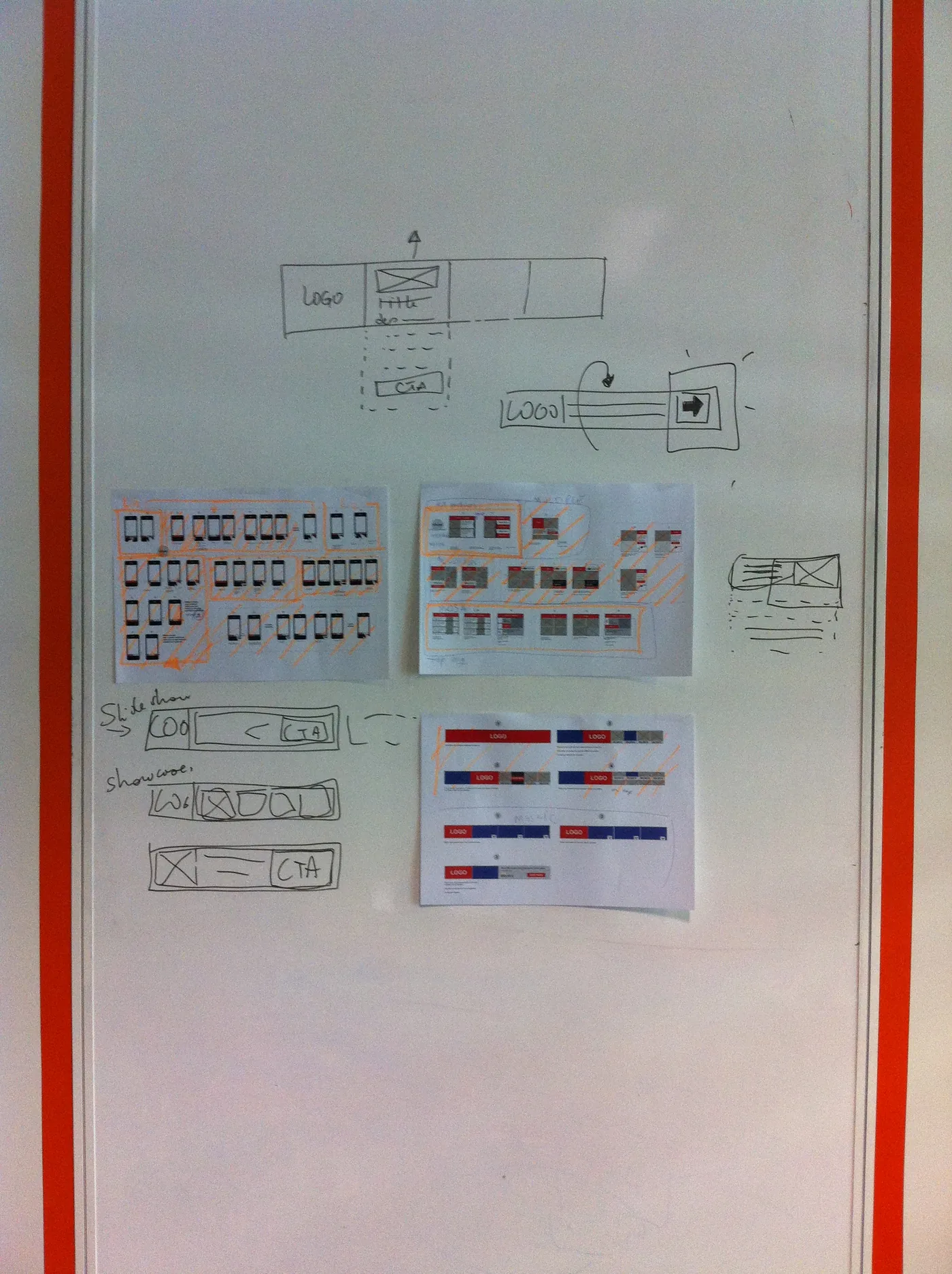
The needs of each office went on the wall, then into themes, and from there into the layouts and the tool.
Japan
- Japanese clients’ sites are long one-pagersTokyo
- Legal mentions have to appear on the bannerTokyo
- Keep a line for legal text in every layoutTokyo
What we took from it
Layouts that leave room for each market’s legal text.
Right to left
- We are opening the Arab countries
- Every layout reads left to right
- Arabic needs mirrored layouts
What we took from it
Layouts rebuilt so that they can be written right to left.
Formats and sizes
- New banner sizes
- New formats, mobile included
What we took from it
New sizes and formats added to the layout offer.
Animation
- New types of animation
- Flash and HTML must move the same way
What we took from it
A set of animations that every layout can use.
Verticals
- An offer for automotive
- An offer for gambling
- Travel and retail don’t sell the same way
What we took from it
A full offer of layouts, vertical by vertical.
Banners at scale
- More than 300 accounts, each with its own brand
- Create banners more easily
- Change them faster
What we took from it
Darwin: layouts combined into up to 3,000 banners for one placement.
Darwin and the templates
The developers built Darwin, a technology that assembled banners easily, so that we could make a great many templates. I designed all of the company’s templates at the time.
Read the detail: Darwin and the templates
Those needs became a full offer of layouts, with offers by vertical: automotive, gambling and others. The layouts could be combined, up to 3,000 banners for one placement. A designer picked preselected templates and supplied colour assets only; the product feed was linked so that each field landed in the right place; a few settings did the rest. Darwin adapted the font sizes and the colours of each banner.
Darwin ran on Duplo, an infrastructure the developers had set up to assemble banners from containers, so that banners were quicker to create and to change. By then I had started doing product design, working with a product manager and the development team.
Criteo — Templates
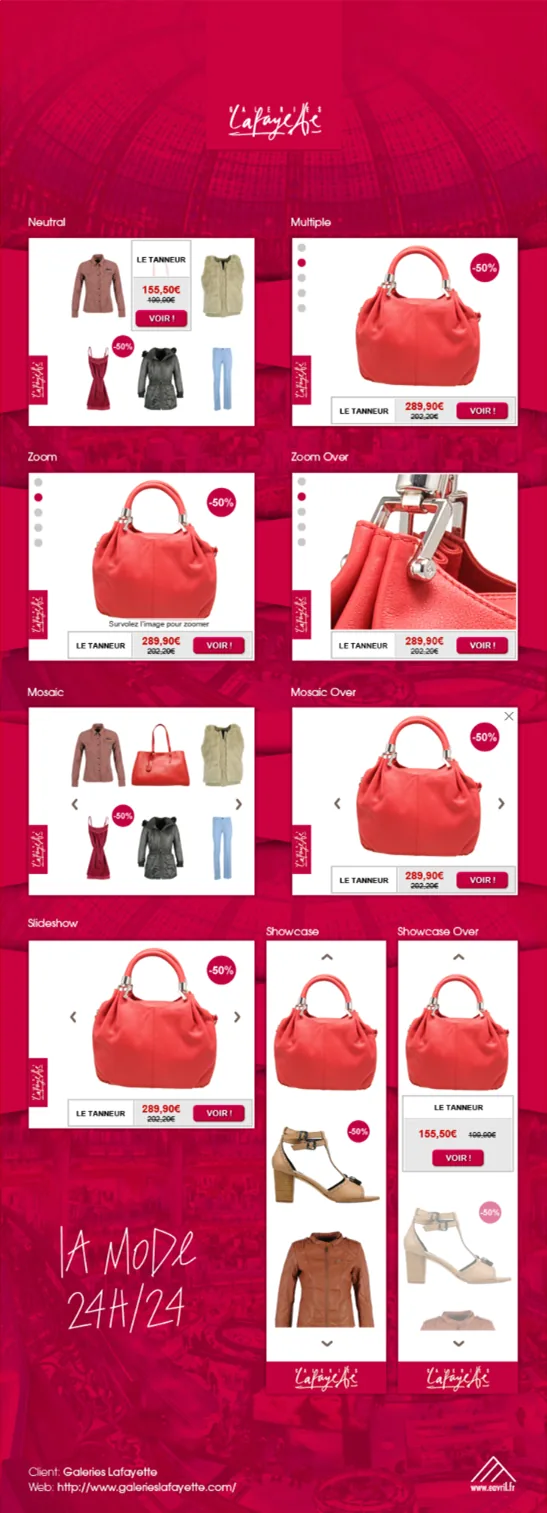
The template file of the retargeting banners: one page per banner size with an artboard for each layout, built from named containers whose text layers carry the product-feed column they display, and a page of symbols.
- 300×250Classic · Multiple · Mosaic · Slideshow · Showcase · Zoom
- 728×90Classic · Multiple · Mosaic · Slideshow · Showcase · Zoom
- 160×600Classic · Multiple · Mosaic · Slideshow · Showcase · Zoom
- SymbolsContainer/Logo · Container/Image · Container/Title · Container/Price · Container/Cta · Container/Nav dots · Container/Nav numbers · Container/Arrow prev · Container/Badge · Container/Zoom tag · Container/Tag · Container/Legal
The template file of the retargeting banners: one page per banner size with an artboard for each layout, built from named containers whose text layers carry the product-feed column they display, and a page of symbols.
Boulanger
Chanel
Accor Hotels
3 Suisses
New formats
The same years brought mobile and touch formats. I designed them as templates, with the gestures that drive them.
I also designed for Dynamic Video Ads and Facebook Active Elements.


Act 3: The campaign manager, 2017–2020
In the new Product Design team, I designed Criteo’s first self-service module, a campaign manager: a campaign dashboard and campaign creation, the first module clients could use directly.
Read the detail: The campaign manager, 2017–2020
Until then, Criteo’s teams set up campaigns for clients. Putting the tool in clients’ hands was a major change for the business. The launch came in stages: internal teams first, then clients in beta. We tested it over many sessions with everyone involved in taking a campaign live, from tag implementation to data analysis: more than 30 sessions, most of them in Paris and the rest by video with teams in other countries. I wrote the specs, built the prototypes, improved the process around them, and worked on the rollout with teams in the US, APAC and Europe. I designed it with Criteo’s design system, and contributed to the system as well.
The figure at the top of this page rebuilds the campaign manager in its style, with fictional data; its specs overlay shows how I documented a screen for developers.
In February 2020 I joined iBanFirst as Senior Product Designer.
Decisions that shaped it
Three choices made the difference.
Go to the offices.
- Why
- Designers in Munich, Barcelona, Boston, New York and Tokyo had needs a central team could not guess: legal mentions in Japan, right-to-left layouts, new formats.
- What it led to
- New layouts, offers by vertical, features in the Design Tool, and personas.
Templates, not one-off banners.
- Why
- Hundreds of accounts in many markets: banners had to be quicker to create and to change.
- What it led to
- All of the company’s templates, combined by Darwin into up to 3,000 banners for one placement.
Put the tool in the clients’ hands.
- Why
- Until then, Criteo’s teams set up every campaign for its clients.
- What it led to
- Criteo’s first self-service module, a campaign manager opened first to internal teams, then to a few clients in beta, and rolled out with teams in the US, APAC and Europe.